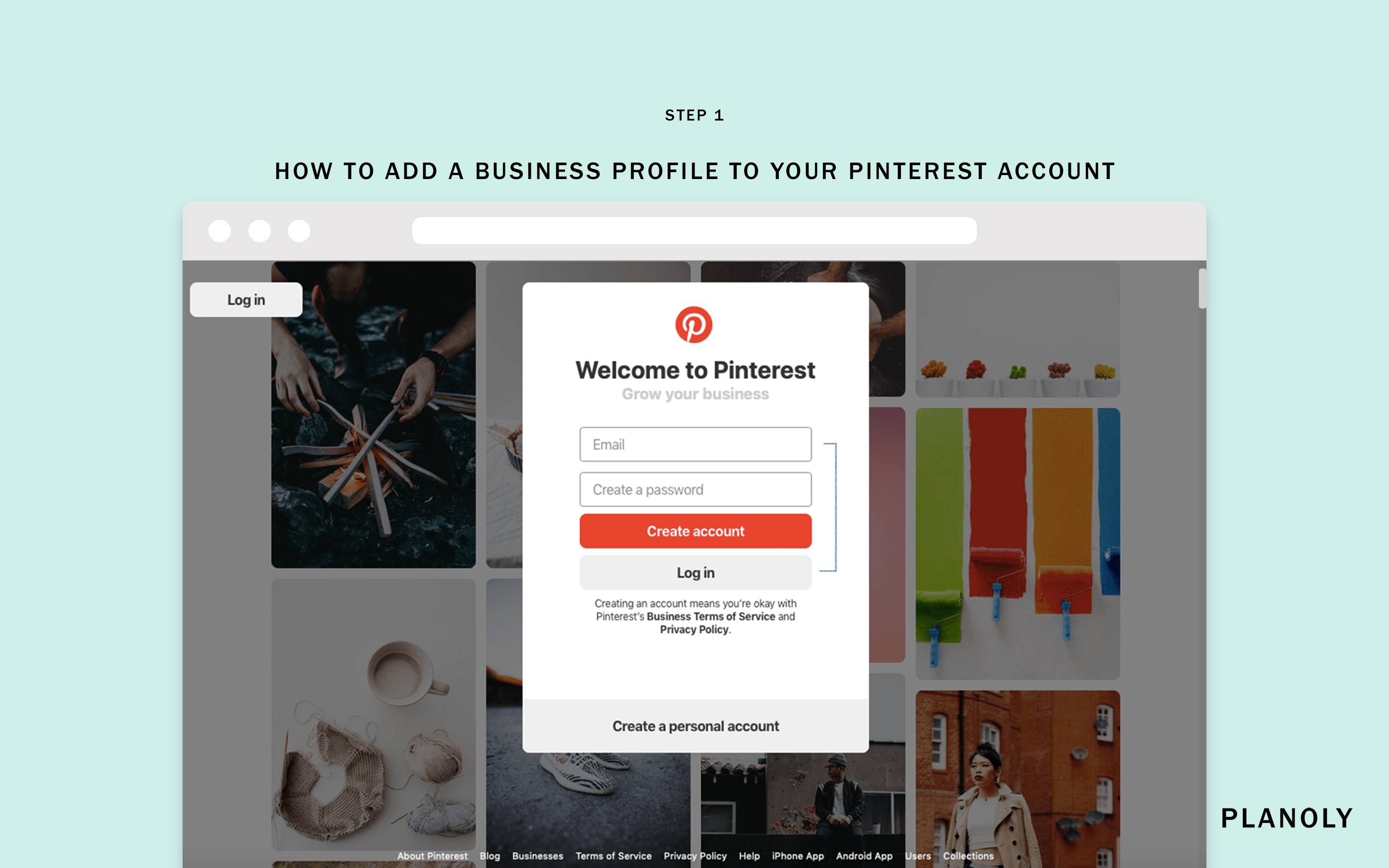
Pinterest is a massive visual search engine, and for e-commerce marketers, it’s a goldmine. But one of the most common questions new businesses ask is: What is the Pinterest business account cost? Is it worth it to switch from a personal account, and what are the hidden expenses of scaling?
In this 2026 guide, we break down exactly what you need to know about the cost of a Pinterest business account and why choosing to buy aged Pinterest business profiles could be the smartest financial move for your brand.
The Basic Costs: Personal vs. Business
At the base level, creating a Pinterest business account is $0. It is free to sign up and free to convert your personal profile into a business-level account.
However, the “free” price tag doesn’t tell the whole story. To use Pinterest for real business growth, you must consider:
- Ads and Promoted Pins: The cost of advertising on Pinterest varies from $0.10 to $1.50 per click, or $2.00 to $5.00 per 1,000 impressions.
- Content Creation: To maintain a high-trust profile, you need professional-grade vertical images and videos.
- Security and Stability: If your “free” account is suspended due to Pinterest’s strict spam filters, the cost in lost revenue can be thousands of dollars.
Why Buying Aged Pinterest Business Accounts Actually Saves You Money
While it’s free to create an account, starting from zero is slow and risky. If you immediately begin pinning for your business, Pinterest’s security bots will flag you as a spammer.
This is why many brands choose to buy aged Pinterest business accounts. It is an upfront cost that pays off in weeks, not months:
- Skip the Sandbox: Aged accounts bypass the initial “trust-building” period where Pinterest limits your pin visibility.
- Ads Ready: These accounts have a history of healthy activity, meaning they are much less likely to be disabled when you start spending money on ads.
- Higher Viral Potential: Older profiles are viewed as more “authoritative” by the search engine, giving your pins a better chance to go viral.
Hidden Expenses of Managing a High-Performance Pinterest Profile
When you’re factoring in your total Pinterest business account cost, don’t forget these essential tools:
1. Residential & Mobile Proxies
Never manage your business accounts from a datacenter VPN. Pinterest knows which IPs are “bot-heavy.” Use a high-quality residential or mobile proxy (4G/5G) to keep your account’s trust score high.
2. Browser Isolation
If you manage multiple Pinterest business accounts, use an anti-detect browser like AdsPower or Multilogin. This prevents Pinterest from “linking” your accounts and banning them all at once if one has an issue.
3. Scheduling Tools
Tools like Tailwind or Loomly are the standard for Pinterest marketing, but they add to your monthly overhead.
How to Get the Best ROI from Your Pinterest Business Account
Choosing to buy aged Pinterest accounts is only half the battle. To maximize your return on investment, follow this growth strategy:
- The “Drip-Feed” Strategy: Once you log in to your new aged profile, don’t pin 100 images at once. Spread them out over a week to look natural.
- Focus on Keywords: Use keyword-rich descriptions for every board and pin to show up in Pinterest’s high-traffic search results.
- Quality Content Over Quantity: One high-resolution, vertical pin is worth more than ten low-quality images.
Where to Buy Trustworthy Pinterest Business Accounts in 2026
At Buy PVA Accounts, we focus on providing high-trust, aged profiles for professional marketers. Our Pinterest profiles are:
- Instant Delivery: Get your login credentials immediately after payment.
- Real Institutional Access: We provide genuine accounts created on high-trust IPs.
- 24-Hour Guarantee: If you have any login issues, we replace the account for free.
Conclusion: Scale Your Creative Business Today
Don’t let account suspensions and slow growth hold your brand back. Whether you’re an e-commerce giant or a small affiliate marketer, choosing to buy aged Pinterest business accounts gives you the high-trust foundation you need to drive real traffic and revenue.
Check out our Pinterest Business Account inventory here →
Frequently Asked Questions (FAQ)
Can I run ads with these business accounts?
Yes! Our **aged Pinterest business accounts** are pre-warmed and ready for you to attach your payment method and start your first ad campaign.
Can I change the business name?
Absolutely. Every account we sell is fully customizable. You can update the name, bio, and website URL to match your brand.
How do I log in with a phone number?
We provide the login credentials and, where applicable, the recovery access so you don't need a phone during the initial login.
Are these accounts shadowban-free?
Yes. Every batch of our **Pinterest business accounts** is verified to ensure they are visible in search results before we sell them.